
Single-location businesses usually get better value from lower-cost listing tools like Moz Local, while multi-location operations with governance needs to justify Yext's higher price through real-time sync and centralized control. The trade-off comes down to automation and speed versus cost and listing ownership. For owners who want results without managing either platform, a managed SEO engagement is often the more practical path.
TL;DR:
- Larger multi-location businesses benefit from enterprise platforms with real-time sync, centralized control, and detailed analytics, which justify higher costs at scale.
- Entry-level tools like Moz Local are more suited for single or few locations, using aggregator-based updates that are slower and less accurate but more affordable.
- Ownership of listings is often only guaranteed if businesses manually claim profiles rather than relying on ongoing sync services that rent visibility.
- Moving between platforms requires exporting data, claiming core profiles with business emails, and overlapping systems for at least two weeks to prevent listing drops.
- For owners preferring outcomes over managing software, agencies like Chrome Cactus Studio offer hands-on optimization, bypassing platform decisions altogether.
Table of Contents
- Yext Vs. Moz Local: The Core Difference at a Glance
- Feature Differences That Actually Affect Rankings
- How Pricing Scales From One Location to Fifty
- Do You Own Your Listings or Just Rent Them?
- A Six-Question Framework for Choosing Your Approach
- Your Migration Checklist When Switching Platforms
- When a Managed Studio Beats Managing the Software Yourself
- Skip the Software Decision Entirely
- Sources
Yext Vs. Moz Local: The Core Difference at a Glance
Before picking a side, look at how each category actually behaves once you're paying for it monthly.
- Sync model: Yext and comparable enterprise platforms push updates through direct publisher APIs; Moz Local and similar entry-level tools often rely on aggregator distribution with slower propagation.
- Update speed: Enterprise platforms typically sync in near real time; entry-level tools can take days to reflect changes across all publishers.
- Analytics depth: Enterprise tiers include first-party reporting and search-visibility metrics; basic tools usually offer listing accuracy scores and simple dashboards.
- Pricing shape: Entry-level tools charge modest per-location fees; enterprise platforms quote custom contracts that scale with location count and feature depth.
- Best fit: Single-location SMBs lean toward affordability and simplicity; multi-location brands lean toward centralized governance.
If you run one location, the enterprise feature set rarely earns its cost. If you run fifty, the opposite is usually true.
Feature Differences That Actually Affect Rankings
The sync model is the real dividing line. Direct API integrations, the kind Yext and similar platforms use, push updates to publishers in near real time, which matters when a business changes hours or moves locations mid-quarter. Aggregator-based tools batch updates, so changes can take longer to appear on every directory.
Coverage-count marketing, the "200+ publishers" claims common in this category, is largely a vanity metric. What actually moves the needle is the depth of Tier 1 integrations with Google, Apple, Bing, and Yelp, since most secondary publishers carry negligible search traffic.
Analytics depth splits the categories too. Enterprise platforms report on impressions, searches, and review sentiment across locations. Entry-level tools tend to stop at listing accuracy scores. Review management follows the same pattern: enterprise tiers support multi-location response workflows, while basic tools handle single-location review monitoring adequately but without much automation. On AI visibility, structured data and schema readiness increasingly determine whether a business gets cited in AI-generated answers, and this is where platform quality varies most.
How Pricing Scales From One Location to Fifty
Pricing in this category follows two shapes. Entry-level tools like Moz Local charge a flat per-location subscription, often in the low hundreds per year. Enterprise platforms like Yext quote custom contracts, and that value proposition becomes compelling mainly at larger scale, where bulk management and governance features offset the higher cost.

A rough breakpoint: at one location, per-location pricing almost always wins on cost. Between 5 and 20 locations, the calculation depends on how often listings change and whether you have staff to manage updates manually. For larger operations, centralized control can often pay for itself in saved labor hours.
Before signing anything, ask sales two questions directly: what's the sync cadence for Tier 1 publishers, and what happens to your listings if you cancel? Documented SLAs on both should be table stakes, not a negotiation win.
Do You Own Your Listings or Just Rent Them?
This is the question that matters more than any feature comparison. Subscription-based sync models keep listings updated through an active API connection, which means listings can revert or go stale once you cancel. You've been renting visibility, not owning it.
The alternative is manual citation building, where a provider hands over actual publisher logins instead of maintaining an ongoing sync. Services like this exist specifically so businesses retain control of their listings after the engagement ends, sometimes paired with an optional active-sync add-on for convenience.
If you're on a rental model now, mitigate the risk before it becomes a problem: export your listing data while the account is active, claim your core profiles (Google Business Profile, Apple Business Connect, Bing Places) with business-owned email addresses, and run an overlap period during any transition so nothing drops between platforms.
A Six-Question Framework for Choosing Your Approach
Answer these honestly before you sign anything:
- How many locations do you manage? One favors entry-level tools; ten or more favors enterprise platforms.
- How often do listings change? Frequent changes (new hours, new locations) favor faster sync speeds.
- Do you have staff to manage updates? No dedicated staff pushes you toward more automation or a managed service.
- What's your realistic budget? Enterprise contracts can run into thousands annually; entry-level tools rarely do.
- Do you need governance controls? Multi-user access and role-based permissions only matter past a handful of locations.
- What happens when you stop paying? If losing listing control worries you, favor ownership models over rental ones.
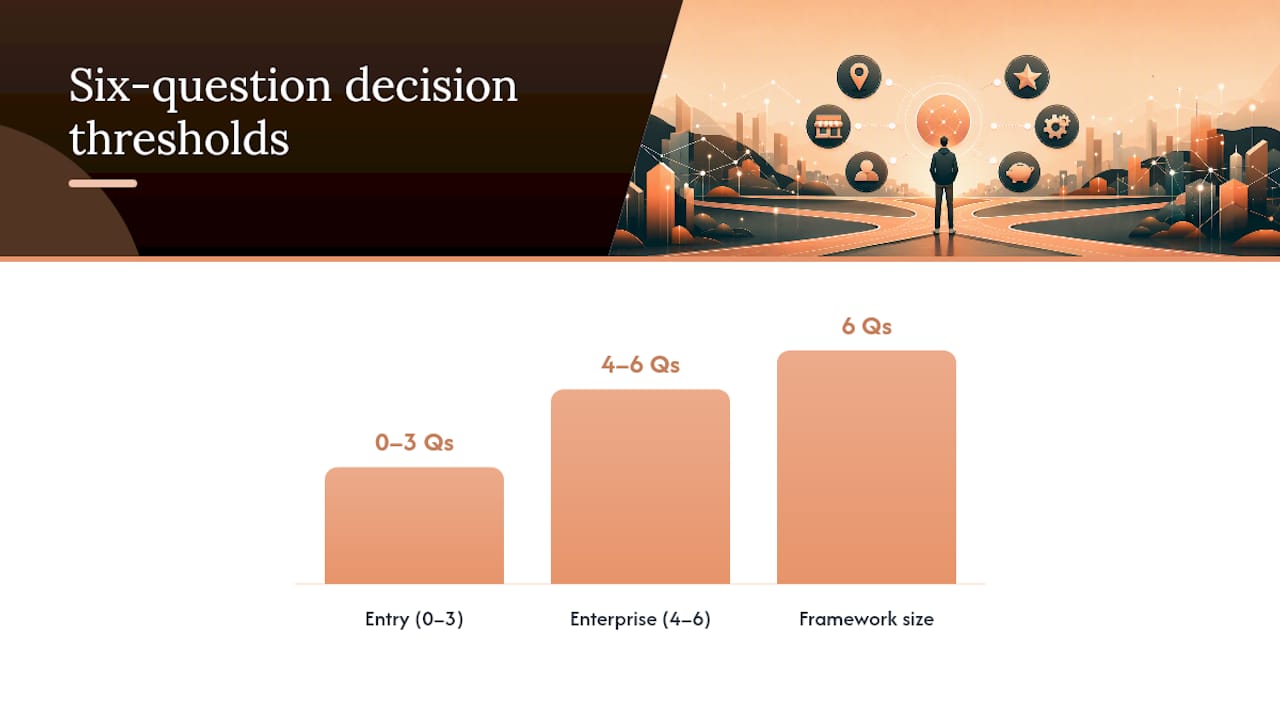
Score yourself: four or more answers pointing toward complexity means enterprise tools make sense. Mostly simple answers mean an entry-level tool or manual citation building will serve you fine. Hybrid stacks, owning core publishers manually while paying for convenience elsewhere, often split the difference well for growing SMBs.
Pro Tip: If your answers lean toward "I don't want to manage any of this," that's a signal to consider a managed agency instead of another software subscription.
Your Migration Checklist When Switching Platforms
Moving off any rental-style platform, or between tool categories, works best with a plan:
- Export all listing data and screenshots while your current account is still active.
- Claim Google Business Profile, Apple Business Connect, and Bing Places using business-owned email addresses, not agency or personal accounts.
- Run a 2 to 4 week overlap between old and new systems before fully canceling anything.
- Prioritize Tier 1 publishers first, then work down to secondary directories.
- Audit core listings daily during the overlap window to catch reverts early.
When a Managed Studio Beats Managing the Software Yourself
Chrome Cactus Studio exists for owners who'd rather hire outcomes than manage another subscription. The model is senior-led work across a limited roster, which is why clients have seen rapid climbs to #1 statewide rankings shortly after launch. That kind of speed usually comes from direct hands-on attention, not another dashboard.
This fits best for single-to-few-location businesses in competitive markets who want map pack results without owning a checklist. Outsourcing removes the sync-model decision entirely. Someone else handles the ownership question for you.
— Anas
Skip the Software Decision Entirely
If you're weighing Yext against Moz Local because you're not sure you want to manage either one, that's worth listening to. Chrome Cactus Studio is the alternative to buying and babysitting a listing platform: senior operators handle your map pack optimization, listing governance, and AI visibility work directly, with no dashboard logins required on your end.

Here's what that looks like in practice:
- Map pack and local search optimization managed hands-on, not automated and forgotten.
- Listing governance across your core publishers, including the ownership safeguards this article just covered.
- AI profile work so your business shows up in ChatGPT, Google AI, and Perplexity answers, not just traditional search.
This fits owners who want statewide ranking movement without becoming platform administrators. If that's you, see how the engagement works or check current client work before reaching out through the Chrome Cactus Studio site to see if a spot on the roster is open.
Sources
- Yext Alternatives in 2026: 6 Platforms Compared by What Actually Matters | Spike AI
- Yext Pricing and Cost | Yext Alternative | Yext vs BrightLocal
- Moz Local vs Yext 2026 - Tekpon